Is VR safe for school children? Age limits, session length and what Indian schools should know
October 21, 2026
October 21, 2026
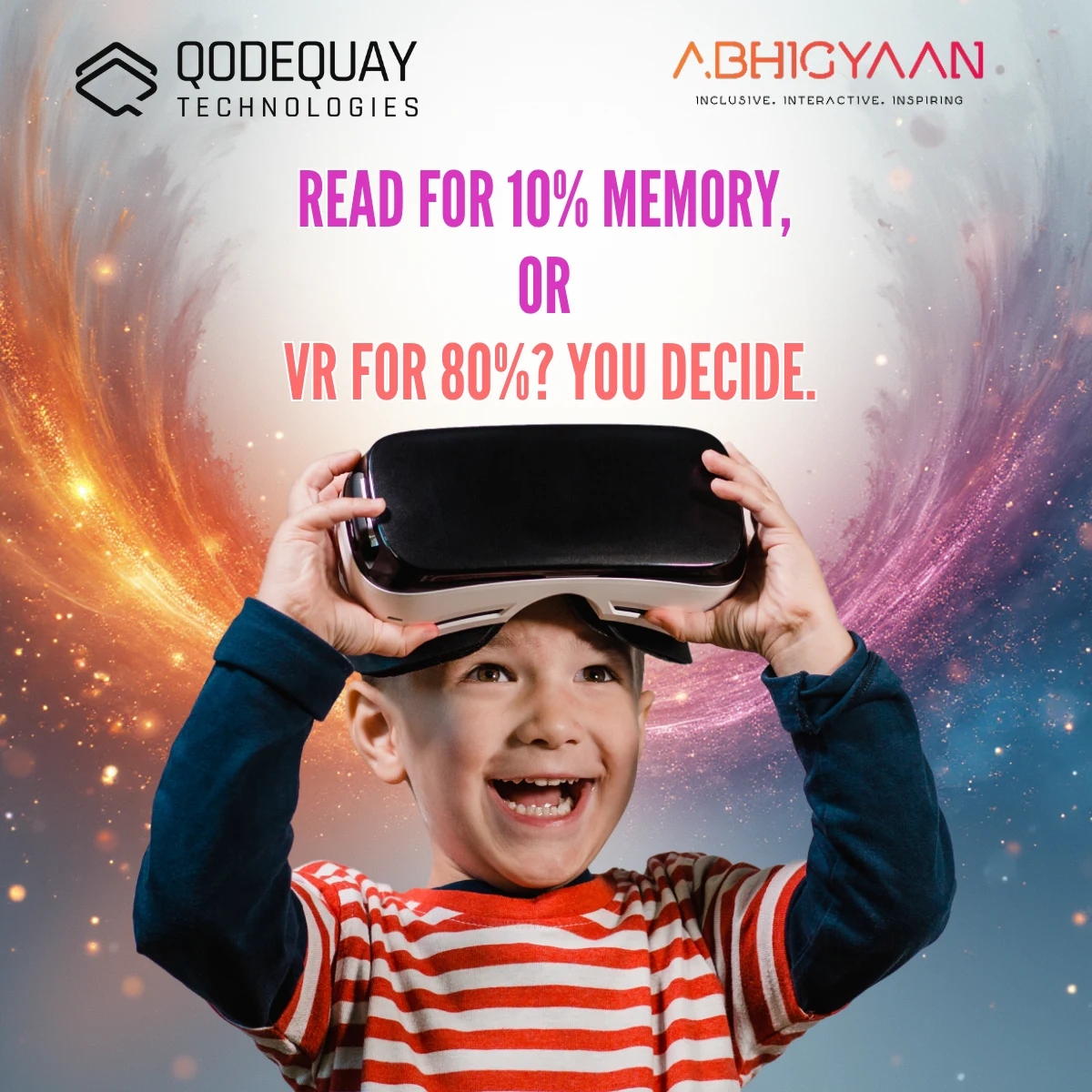
Yes, when sessions are short, supervised and matched to age. Meta's Quest headsets are approved for ages 10 and above, with parent-managed accounts for 10 to 12 year olds, and headset makers commonly advise a 10 to 15 minute break every 30 minutes. India has no school-specific VR rule yet, so run headset lessons from Class 5 upward and deliver the same 3D content on screens for younger classes.
The first question a principal, a parent-teacher association or a Zilla Parishad education officer asks about a VR lab is rarely about the curriculum. It is: is this safe for our children? It is the right question, and a precise answer is more useful than a blanket yes. VR is safe for school use when the headset's age guidance is followed, sessions are short and supervised, and the school has a simple protocol for comfort, hygiene and data. Here is what we have learned deploying immersive learning in Indian schools.
Most school VR labs we see in India run on Meta Quest headsets, so Meta's policy is the practical benchmark. In June 2023 Meta lowered the minimum age for Quest from 13 to 10. Children aged 10 to 12 use a parent-managed account that a parent sets up, with content limited to age-appropriate titles; teenagers aged 13 to 17 use their own account with parental controls. Meta's separate Meta for Education programme, announced in 2024 for the US and UK, is limited to institutions serving students over 13, which signals how cautiously the manufacturer itself treats school use.
In India we are not aware of a CBSE, NCERT or state-board circular that sets an age limit for VR in classrooms. NEP 2020 encourages virtual labs (para 24.4) and experiential learning, but leaves the operational detail to schools. In the absence of an Indian rule, the manufacturer's guidance is the standard a school will be judged against, so it is the one to follow.
| Age band | Typical class | Recommended delivery | Why |
|---|---|---|---|
| Under 10 | Classes 1 to 4 | Same 3D content on a laptop, tablet or classroom display (browser-based XR) | Below the Quest minimum age; screen delivery keeps the lesson without the headset |
| 10 to 12 | Classes 5 to 7 | Headset lessons of a few minutes each, teacher-led, parent consent on file | Permitted on parent-managed accounts; shortest sessions and closest supervision |
| 13 to 17 | Classes 8 to 12 | Headset lessons, practicals and simulations up to 15 to 20 minutes per period | Standard teen account; still under 18 for DPDPA consent purposes |
Short. Headset makers commonly recommend a 10 to 15 minute break after every 30 minutes of use, and for 10 to 12 year olds Meta's parent guidance has been reported to suggest a daily ceiling of around two hours, in line with general screen-time advice. A school period does not need anything close to that. Our modules on Abhigyaan are built as 3 to 7 minute experiences of one to three scenes, so a 40 minute period typically runs as a short briefing, 10 to 15 minutes in the headset across one or two modules, and the rest of the period on discussion, a worksheet or a quiz.
That structure is not only a safety measure. It mirrors the experience-then-reflect pattern that NEP 2020 and CBSE's experiential-learning guidance expect, which we covered in whether a VR lab counts as experiential learning. The headset provides the experience; the teacher provides the meaning.
Four issues come up in practice, and each has a straightforward control.
Some students feel queasy when the virtual world moves while their body does not. Choose seated or standing-still experiences for younger classes, avoid content with artificial locomotion, and tell students to remove the headset the moment they feel unwell. Discomfort passes quickly; a student who has felt it once should sit out that session rather than push through.
Headsets have an inter-pupillary distance (IPD) setting; a wrong setting causes eye strain and headaches. Set it per student, or keep the narrowest preset for younger children, and the headset strap snug but not tight. Short, supervised use on a correctly adjusted headset has not, to our knowledge, been shown to cause lasting harm, but long-term research in children is limited, so treat the manufacturer's break guidance as a floor. Students with an existing eye condition or a history of photosensitive seizures should be offered the screen version instead; photosensitive reactions are rare but real.
Most classroom VR incidents are trips and bumps. Seat students, keep a clear arm's-length radius around each headset, enable the device's boundary system, and keep one adult in the room for every eight to ten active headsets.
A school headset is shared by hundreds of students a week. Use wipeable silicone face interfaces or disposable hygiene covers, and sanitise lenses and controllers between batches, especially where a single lab serves a whole village cluster.
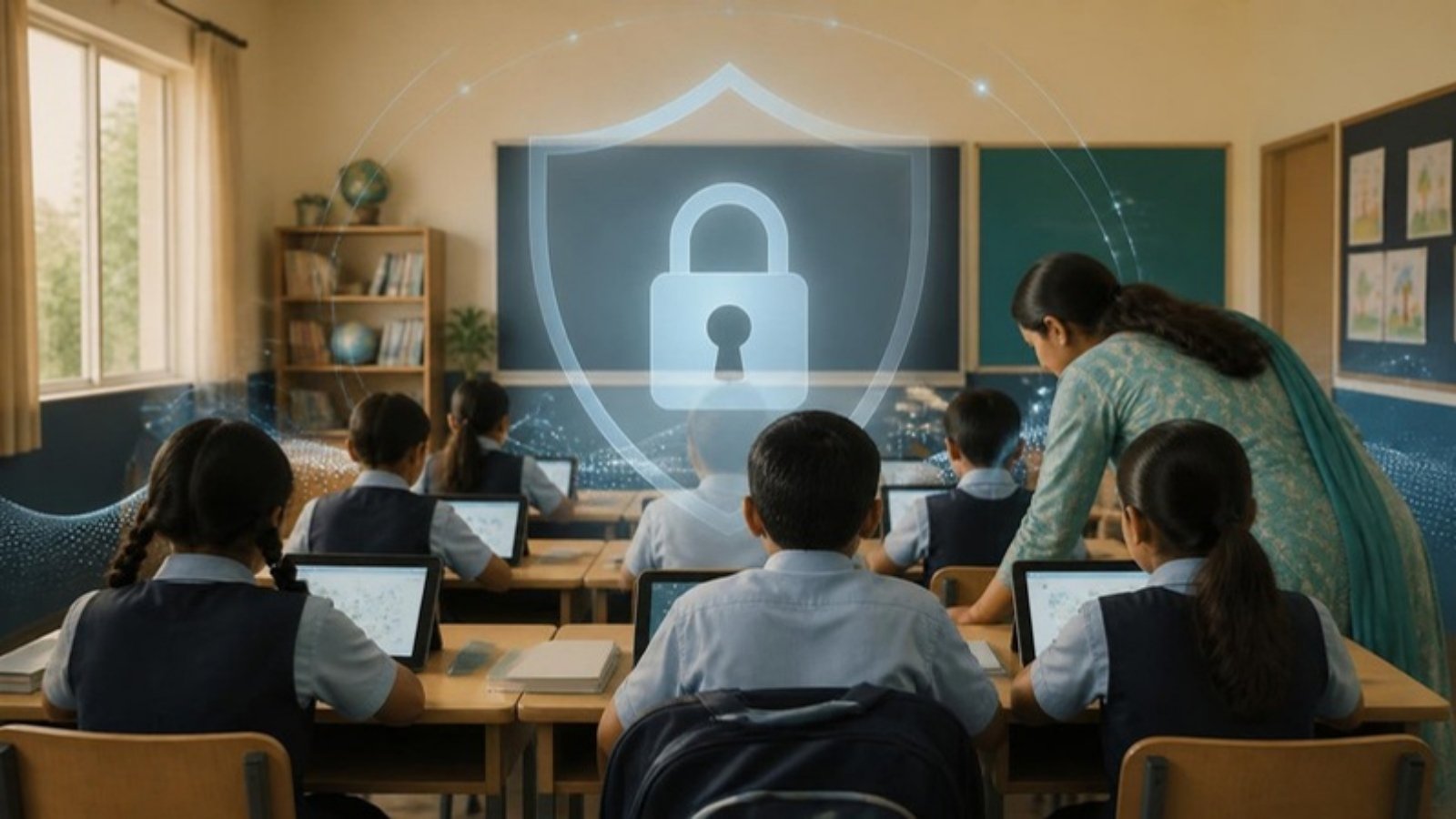
Yes, and this is the part most lab proposals skip. Under India's Digital Personal Data Protection Act, 2023, everyone under 18 is a child. Section 9 requires verifiable parental consent before processing a child's personal data and prohibits tracking, behavioural monitoring and targeted advertising directed at children. Full obligations take effect on 13 May 2027 under the DPDP Rules, 2025. Headset accounts, usage analytics and any "engagement scoring" inside a learning app all count as processing. Ask the vendor where student data is stored, whether the platform profiles learners, and whether devices can run in a school-managed kiosk mode without individual consumer accounts. We set out the school-side obligations in DPDPA for schools and EdTech.
For the classroom-level view, see our teacher's guide to VR in the classroom.
Abhigyaan, Qodequay's VR/XR immersive learning platform, is deployed across 1,350 Maharashtra Zilla Parishad schools reaching 1.5M+ students. Lessons are short, curriculum-mapped modules led by the teacher, and the same content runs in a standard browser through WebXR, so Classes 1 to 4 and students who opt out of the headset follow the same lesson on a screen. Qodequay is ISO 9001:2015 and ISO 27001:2022 certified. If you are planning a lab and want a safety protocol, consent template and session plan built in from day one, book a 30-minute call with our education team.
For Meta Quest, the most common school headset, the minimum age is 10, lowered from 13 in June 2023. Children aged 10 to 12 need a parent-managed account; 13 to 17 year olds use a teen account with parental controls. India has no separate school VR age rule, so the manufacturer's limit applies.
Keep it short. Headset makers commonly advise a 10 to 15 minute break after every 30 minutes, and a school period needs far less. A practical pattern is 10 to 15 minutes in the headset per 40 minute period, split into modules of a few minutes each, with the rest spent on discussion and reflection.
Short, supervised sessions on a correctly fitted headset have not, to our knowledge, been shown to cause lasting harm, but long-term research in children is limited. Adjust the IPD setting for each student, follow the maker's break guidance, stop at any discomfort, and offer the screen version to students with existing eye conditions or photosensitive epilepsy.
Yes, as good practice today and as a legal requirement where the platform processes a child's personal data. Under the DPDP Act, 2023, everyone under 18 is a child and Section 9 requires verifiable parental consent, with full obligations effective 13 May 2027. A yearly consent and health declaration covers both the safety and the data angle.
Yes. Platforms built on WebXR, such as Abhigyaan, run the same 3D lesson in a standard browser on a laptop, tablet or classroom display. That lets Classes 1 to 4, who are below the Quest minimum age, and any student who opts out of the headset follow the identical curriculum-mapped lesson on a screen.
This article is for general information and is not medical or legal advice. Follow the health and safety guidance published by your headset manufacturer, confirm data-protection obligations against the official texts of the DPDP Act and DPDP Rules, and consult qualified professionals for your situation.

I am a founder director at Qodequay Technologies Pvt. Ltd., a leading digital transformation consulting firm that helps clients across industries to innovate, optimize, and grow their businesses. I have over two decades of experience in the digital domain, spanning product development, e-commerce, user experience, design thinking, web and app development, and business leadership. My core competencies include developing and executing digital transformation strategies, building teams globally, roadmaps, and solutions that leverage data, insights, and emerging technologies such as artificial intelligence, augmented reality, blockchain, and immersive experience. I also have expertise in digital commerce, supply chain integration, and product management, having worked with both B2B and B2C brands in various sectors. My mission is to create value for customers and stakeholders by delivering impactful and engaging digital experiences that drive growth and innovation.
October 21, 2026

October 20, 2026

October 19, 2026
October 18, 2026
October 17, 2026
Monthly insights on AI, VR and DPDPA compliance — straight from our team to your inbox.
Free 30-minute consultation with our team — or see our products in action.